•
Updated: 11 March, 2026
•10 min read
Supercharge your hiring workflow by integrating AltHire AI directly with Ashby. As an official Assessment Partner, AltHire allows your team to launch AI-powered interviews and automated screening calls without ever leaving the Ashby platform.
This quick-start guide covers everything you need to know to get up and running:
To get started, email [email protected] with the following details:
The AltHire team will:
This is a one-time setup process with a typical turnaround of 24 hours.
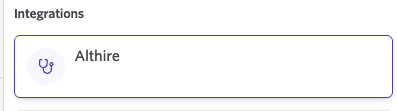
Once you have your AltHire API Key, follow these steps to connect:
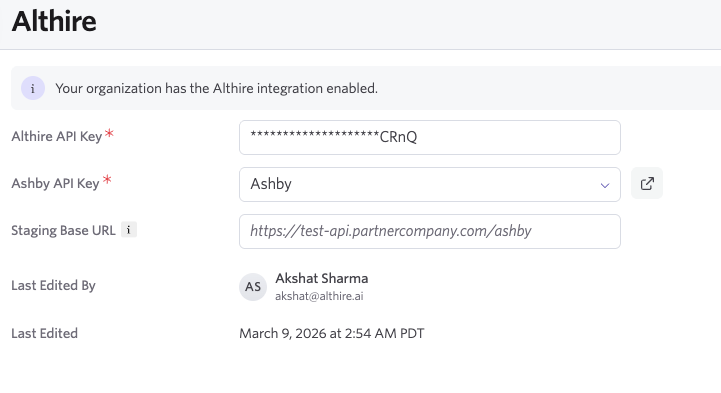
Important:
Two API keys are exchanged during setup:
Both are required for the integration to work.
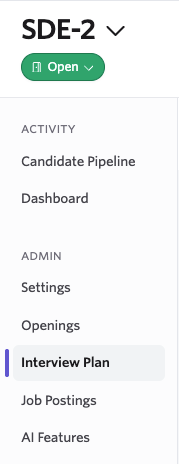
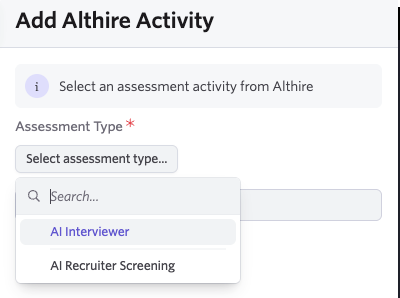
Once the integration is active, you can add AltHire AI assessments to any job’s interview plan.
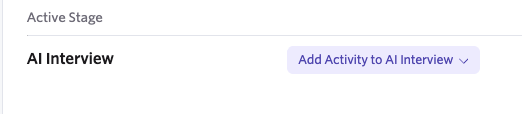
AI Interviewer
A full AI-powered interview with in-depth evaluation.
AI Recruiter Screening
A shorter AI screening call is used for initial candidate filtering.
There are two ways to start an AltHire assessment.
When a candidate reaches the assessment stage in your pipeline, click Start to trigger the assessment.

Once an assessment is started:
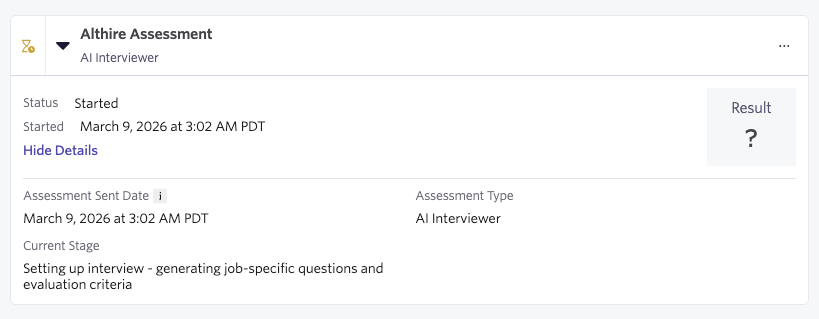
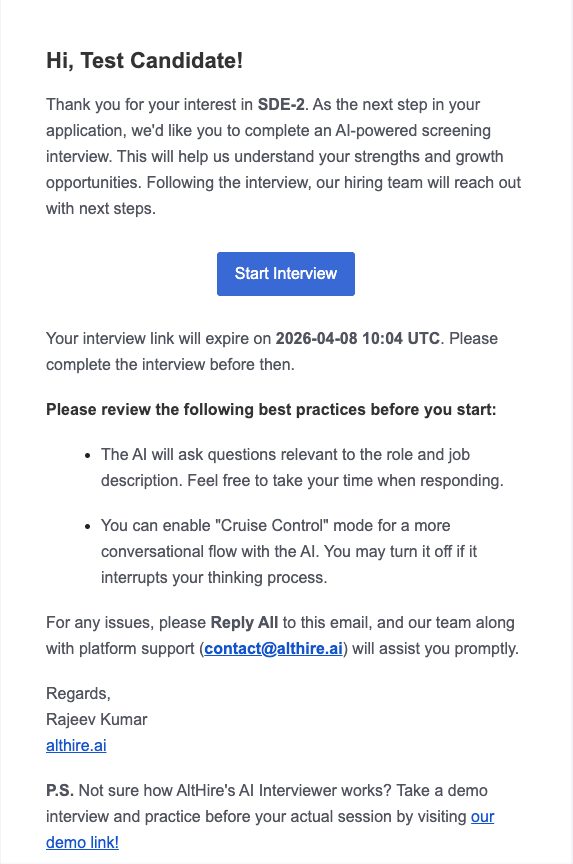
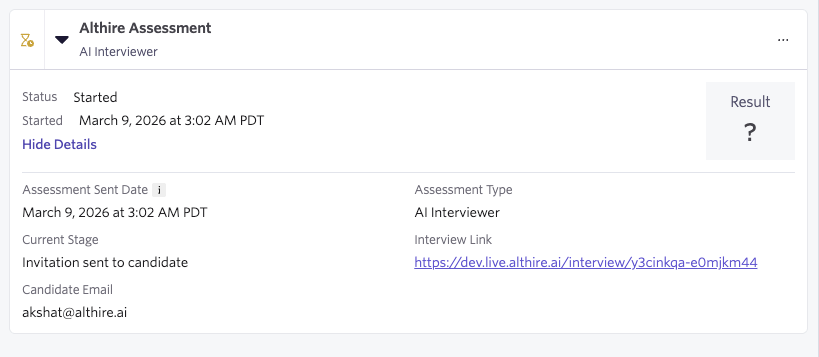
Once the interview is completed, results appear directly in Ashby.
Overall Score (out of 10.0)
Displayed as the assessment result inside Ashby.
Interview Summary
A concise AI-generated summary shown in the assessment metadata.
Top Dimensional Scores
Key evaluation dimensions with scores and explanations.
Full Report Link
A link to the detailed AltHire TalentBoost report for a comprehensive evaluation breakdown.
To cancel an in-progress assessment:
AltHire will cancel the interview on its side and update the status in Ashby accordingly.
If you run into any issues or have questions about the integration, you can reach out to the AltHire team.
General Support:
[email protected]
Direct Contact:
[email protected]
The team can help with:
Book a consultation today and experience how AltHire AI can help you hire smarter — from sourcing to selection.
Book Your Free Consultation Now!